NavGlance - GPS speedometer & altimeter
GPS speedometer & altimeter
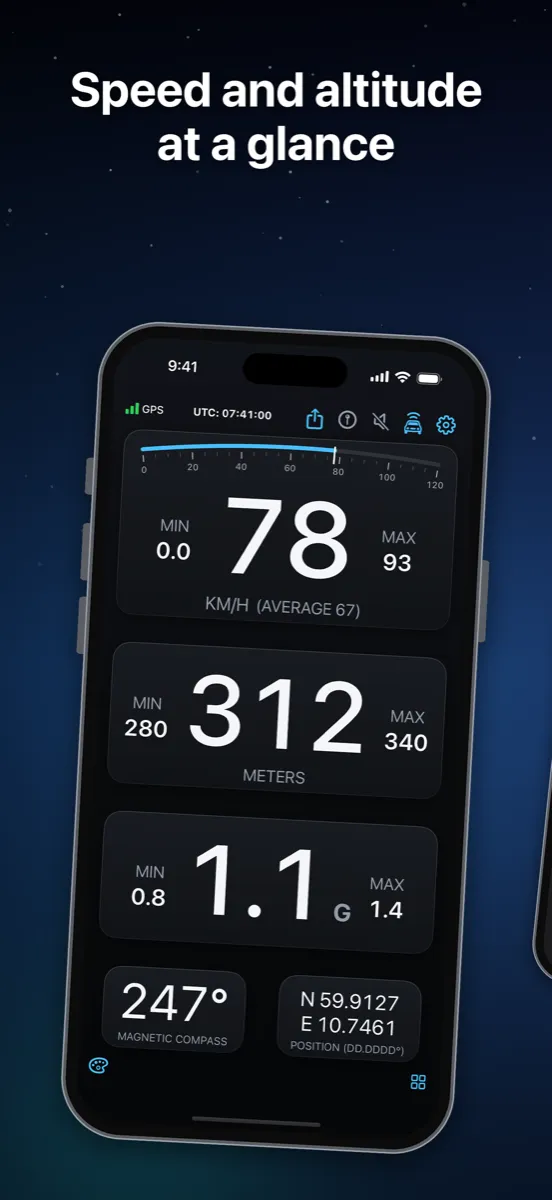
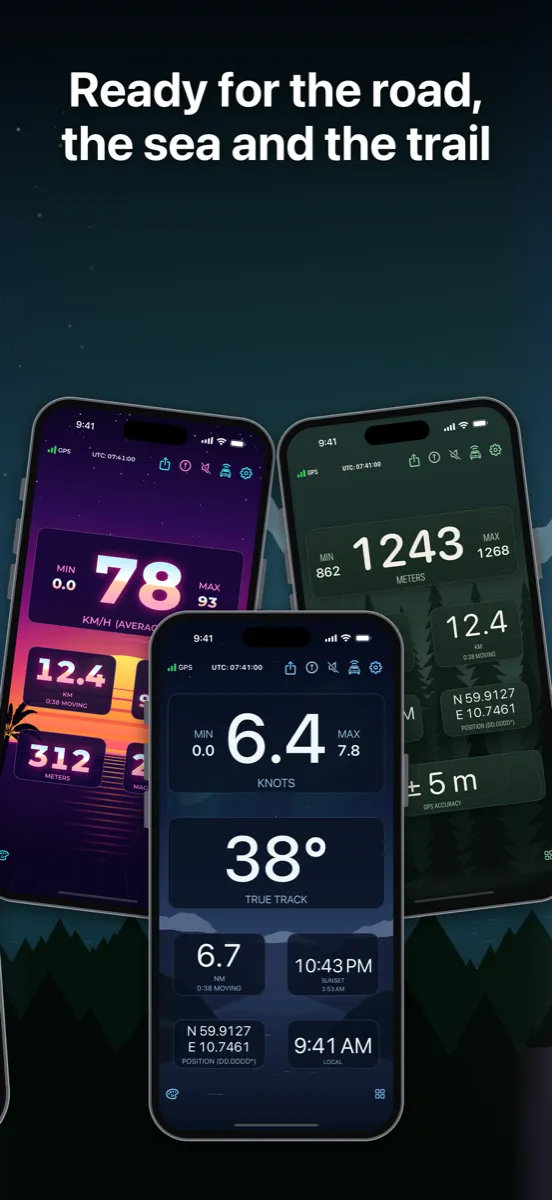
NavGlance is a GPS instrument for sailors, pilots, drivers and hikers. Speed, altitude, heading, position and G-force in large, high-contrast digits you read at a glance, in direct sunlight or in the dark.
No maps, no routing, no account, no tracking. Just the numbers, arranged the way you want them.
Screenshots
The readouts
- Speed in knots, km/h, MPH or m/s, with max, min and average
- Altitude above sea level in meters or feet, with max and min
- Compass or track, magnetic or true
- Position as decimal degrees, degrees and minutes, degrees, minutes and seconds, or UTM
- G-force with max and min
- GPS accuracy, clock in any time zone, sunrise and sunset, and the moon
- Trip distance and moving time, timer and lap timer
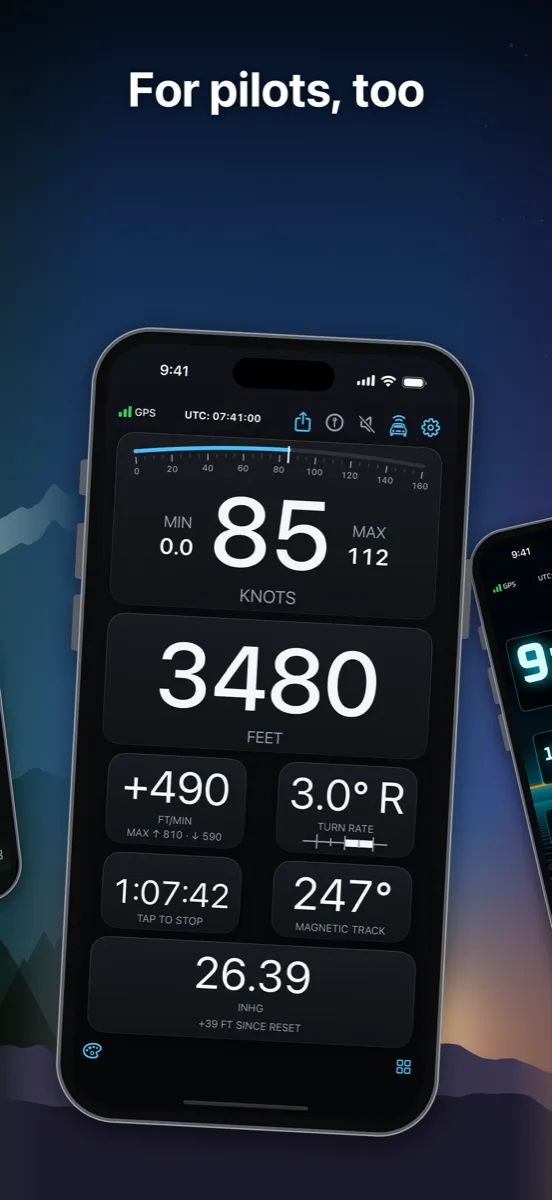
- Aviation, for awareness only: vertical speed, turn rate and air pressure (iPhone)
- GPS indicator and UTC clock in the header
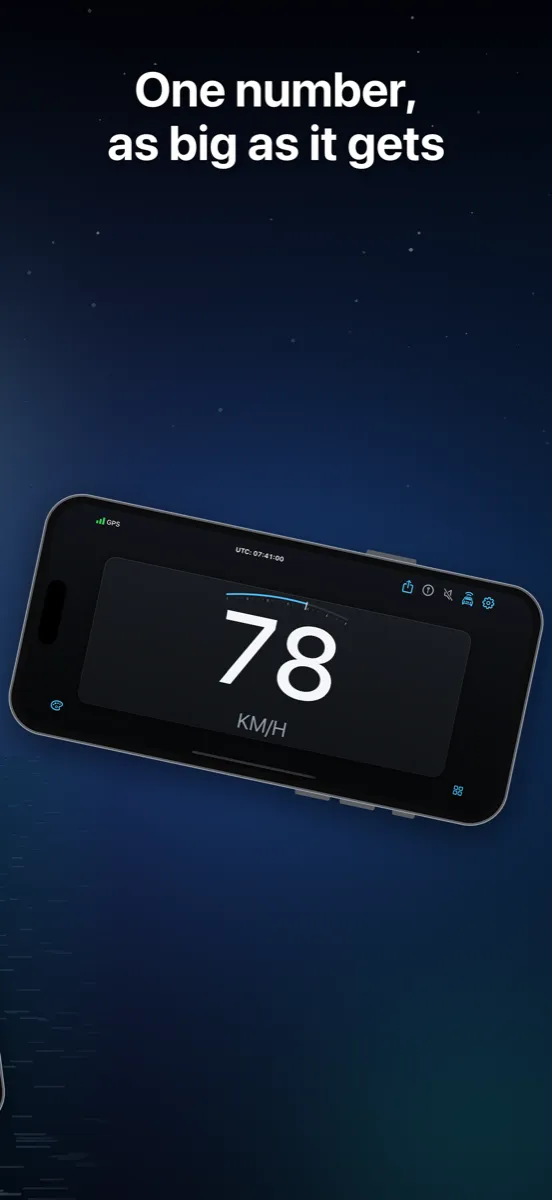
Tap any value to change its unit or format. Tap MAX or MIN to reset. Simple mode shows one reading, as big as the screen allows. Share your position with one tap.
Your screen, your layout
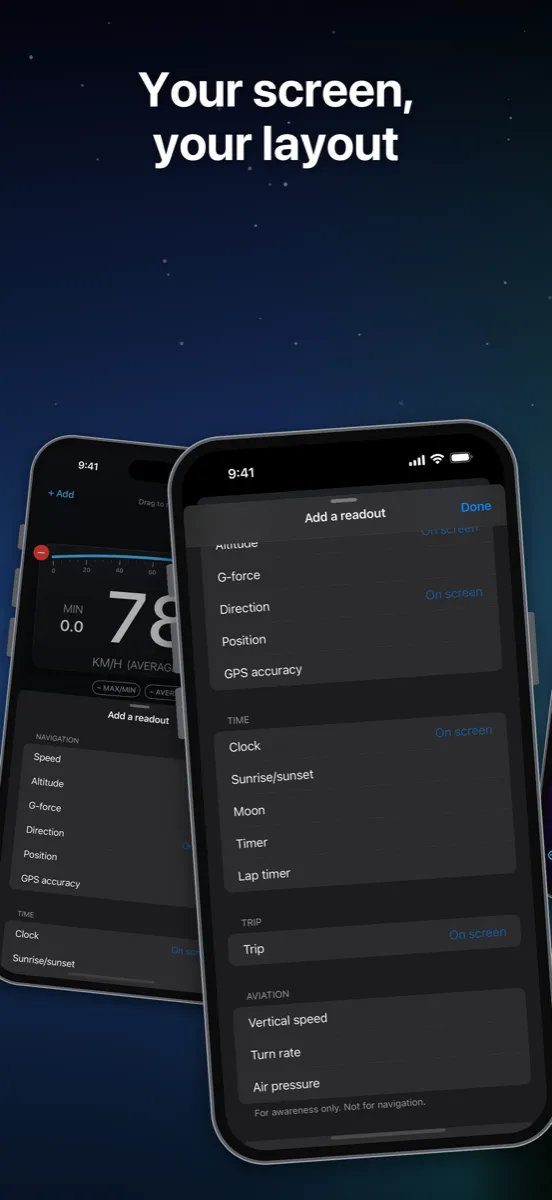
Hold any readout to arrange your screen. Add readouts, make them big or small, drag them into order, and use the same readout twice in different units. Each layout remembers its own units, and landscape can have its own layout. Car, Boat, Hiking, Flight and Race are ready to use, and the welcome screen starts you on the one that fits.
A look for every journey
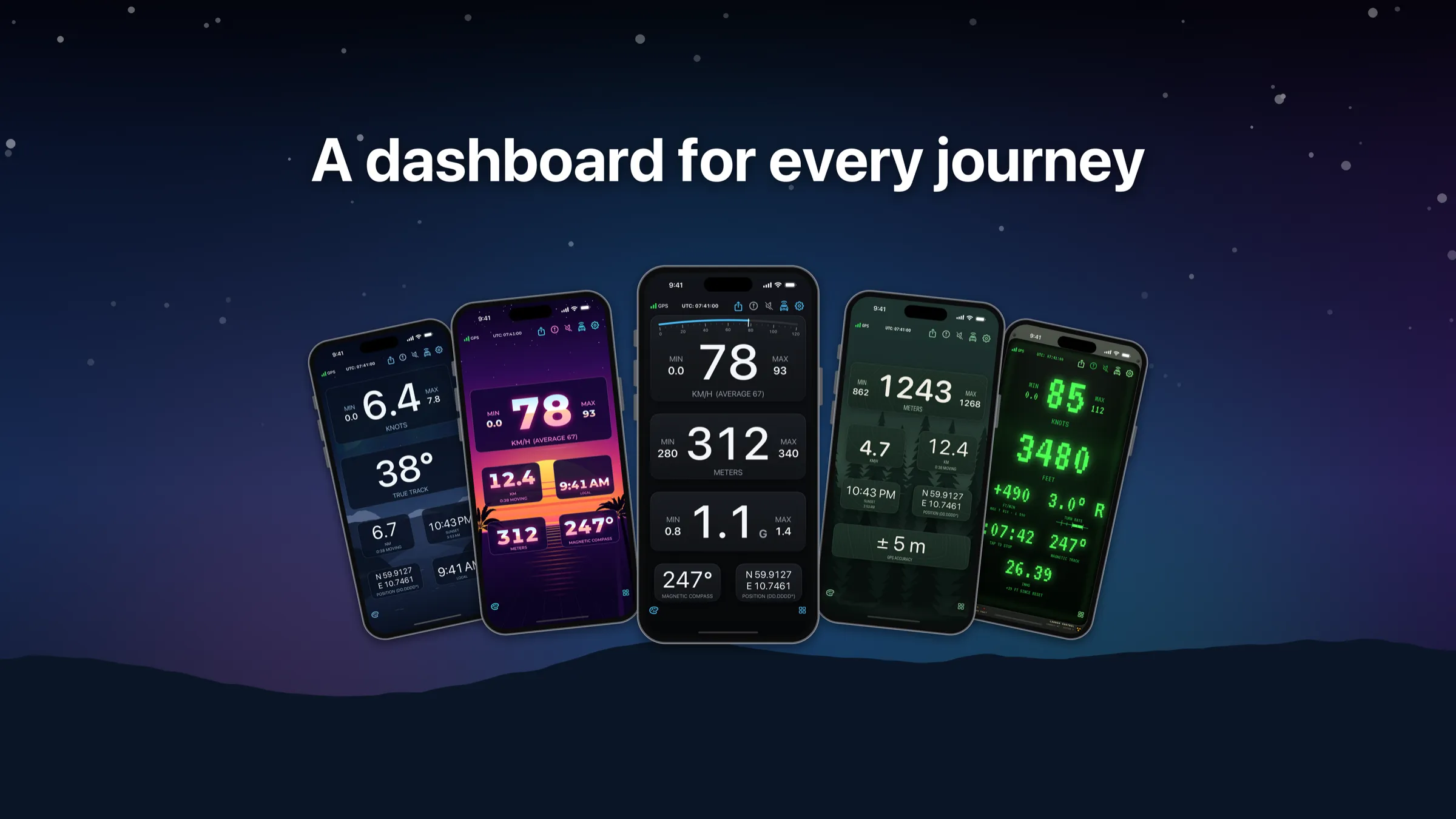
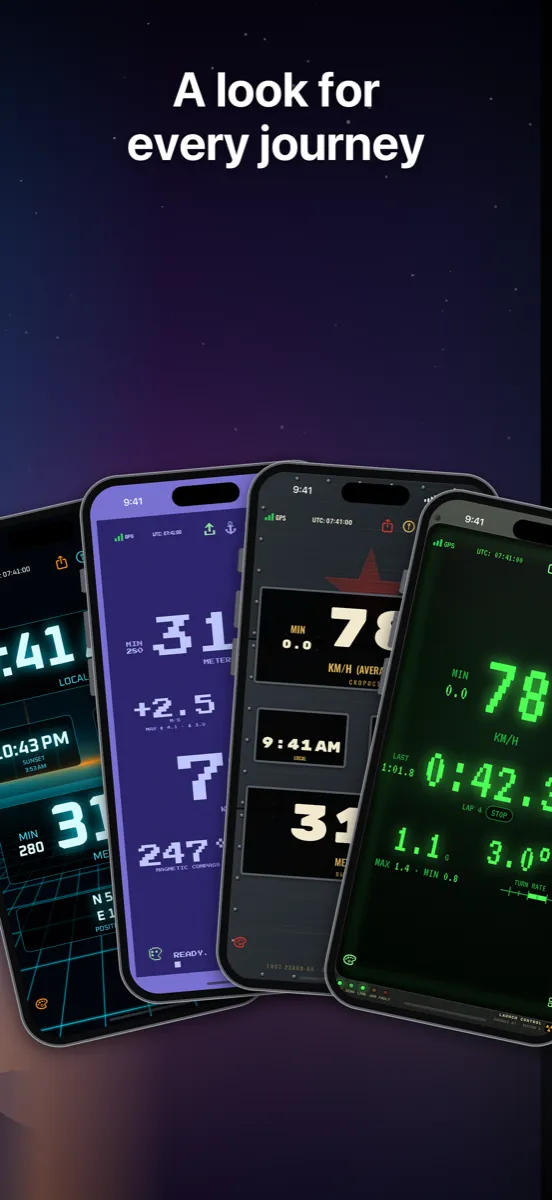
Choose your look; every theme works with every layout. Two are free: Dashboard, a modern instrument cluster with a speed arc that marks your warning zones like a redline, and Classic, the display you know.
NavGlance Themes is a one-time purchase that unlocks every premium theme – including future themes: neon grids, a Cold War missile silo, brass and oak, fjords and spruce forest. Themes are a bonus; everything the instrument does stays free.
Try any theme live, on your own running display, before you buy. Some backgrounds move with your speed: choose how fast in Background motion, from walking pace to an airliner, or turn it off.
Anchor guard
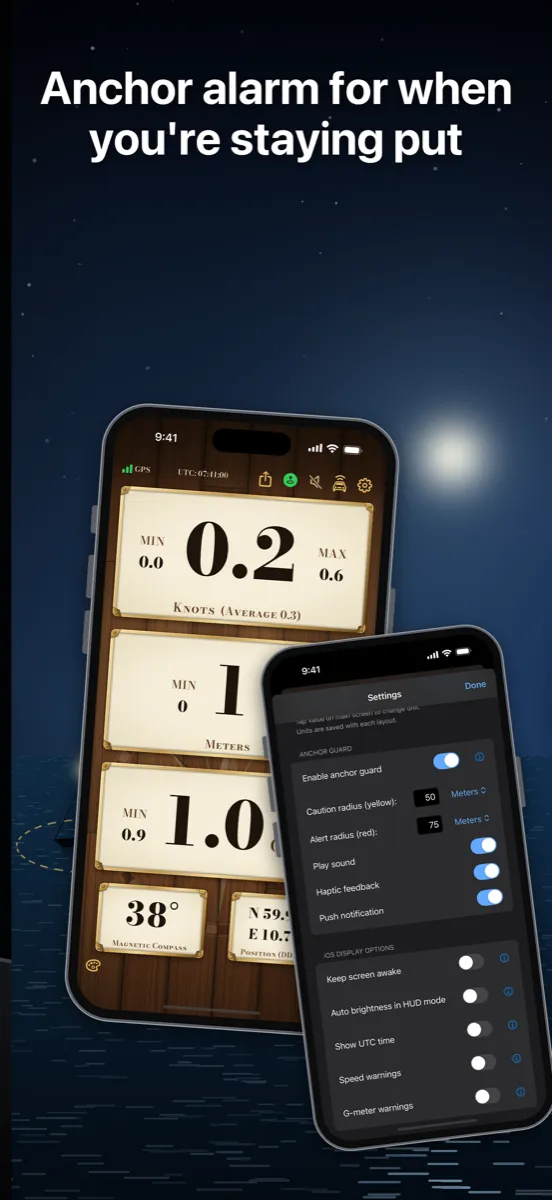
Set the anchor point where you lie and choose a caution radius and an alert radius. If the boat drifts outside, NavGlance alerts you with sound, vibration and a notification. Anchor guard keeps watching while the screen is locked or you use another app.
HUD mode
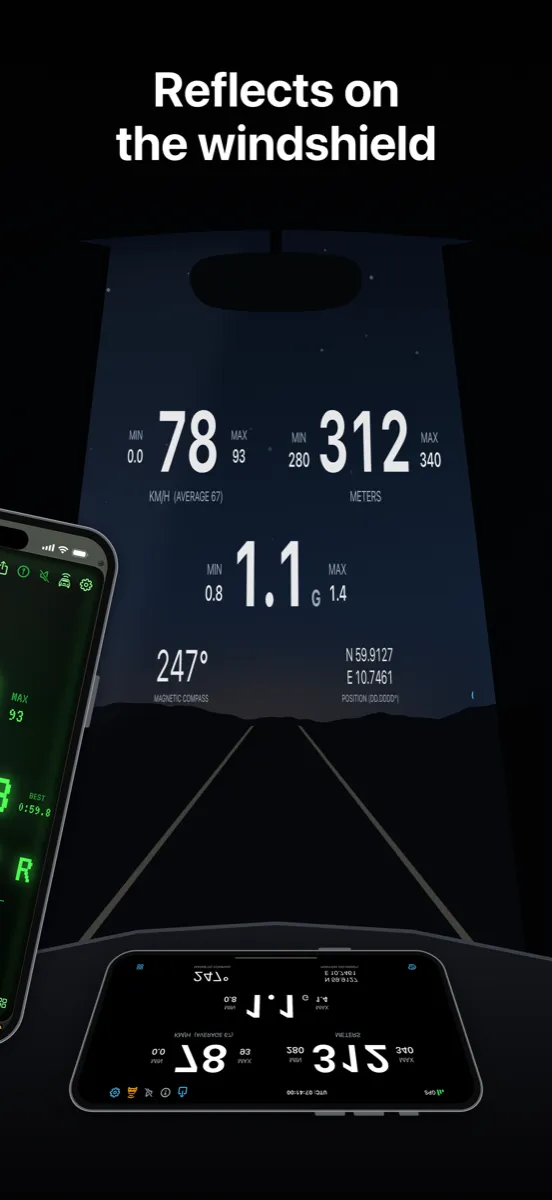
Place the phone on the dashboard and the mirrored display reflects right side up in the windshield. Auto brightness turns the screen up for a clear reflection.
Warnings
Set caution (yellow) and limit (red) thresholds for speed and G-force. The digits change color when you cross them.
Spoken speed
Let NavGlance announce your speed at the interval you choose, in the voice and language you pick. Handy when your eyes belong on the water or the road.
Apple Watch
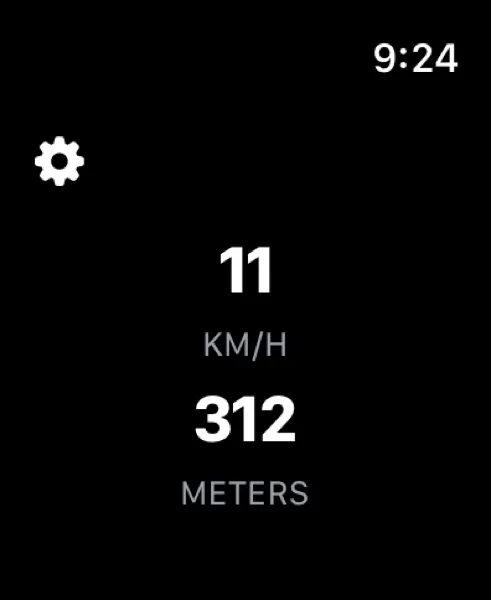
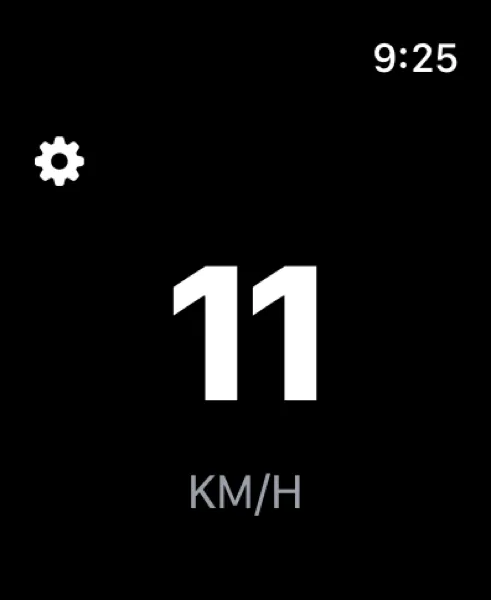
Speed and altitude on your wrist, with the same tap to change unit.
Make it yours
Light, dark or system appearance. Keep the screen awake. Choose your language in the app: NavGlance speaks 17 languages, among them English, Norwegian, Swedish, Danish, Finnish, German, French, Spanish, Italian, Dutch, Polish, Portuguese (Brazil and Portugal), Japanese, Korean and Chinese (Simplified and Traditional).
Requires iOS 18. Your location is used only for the readouts and anchor guard. Your position is never shared.
Support
Questions about themes, purchases, anchor guard or location? Email [email protected] or use the support page.