Magsense - Stud finder for iPhone
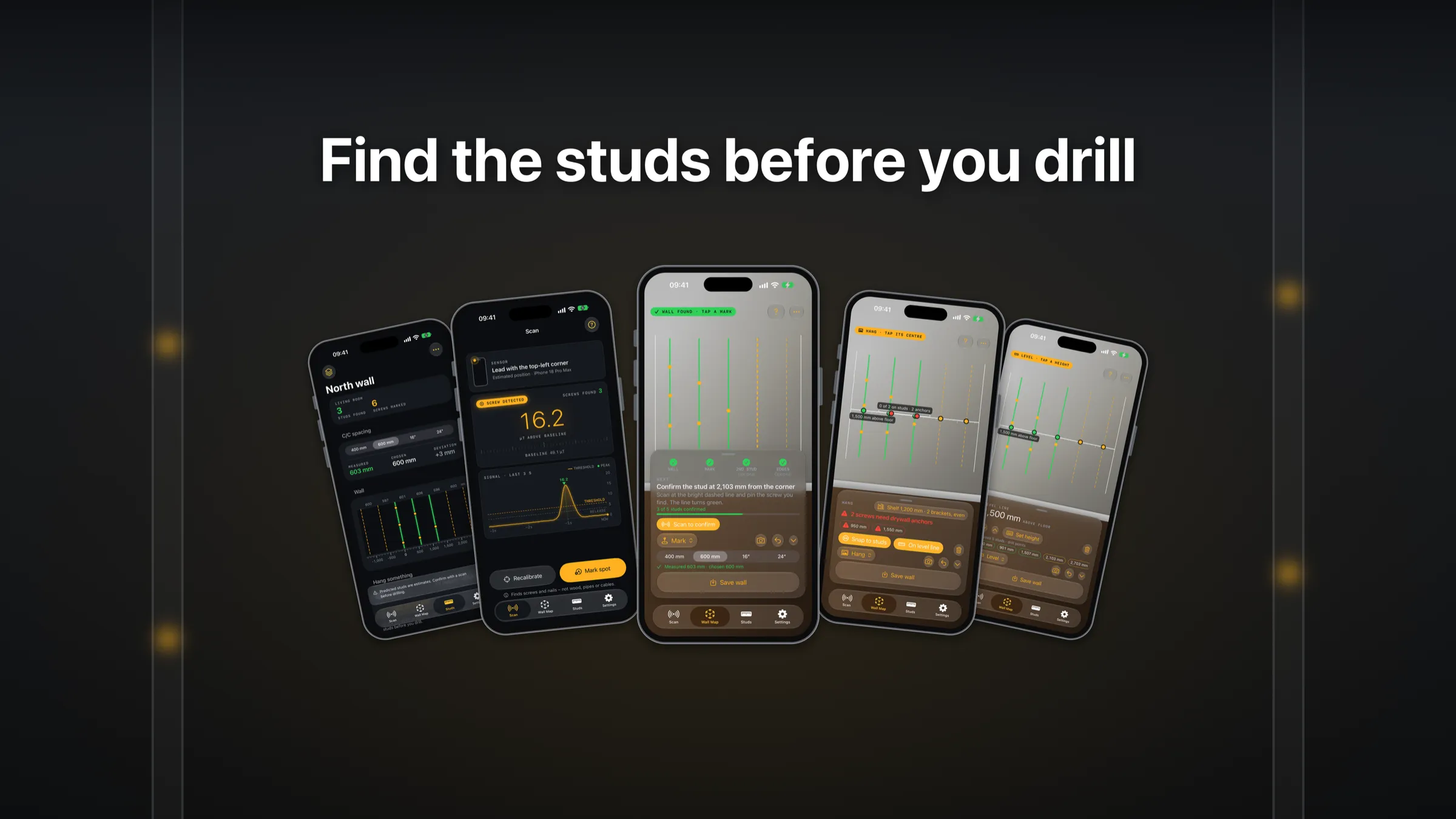
Find screws. Map your wall.
Magsense turns your iPhone’s magnetometer into a stud finder. Slide the phone flat across the wall: when it passes over a screw or nail in a stud, it buzzes, beeps and shows the peak. Free to use, with a one-time Pro upgrade.
Screenshots
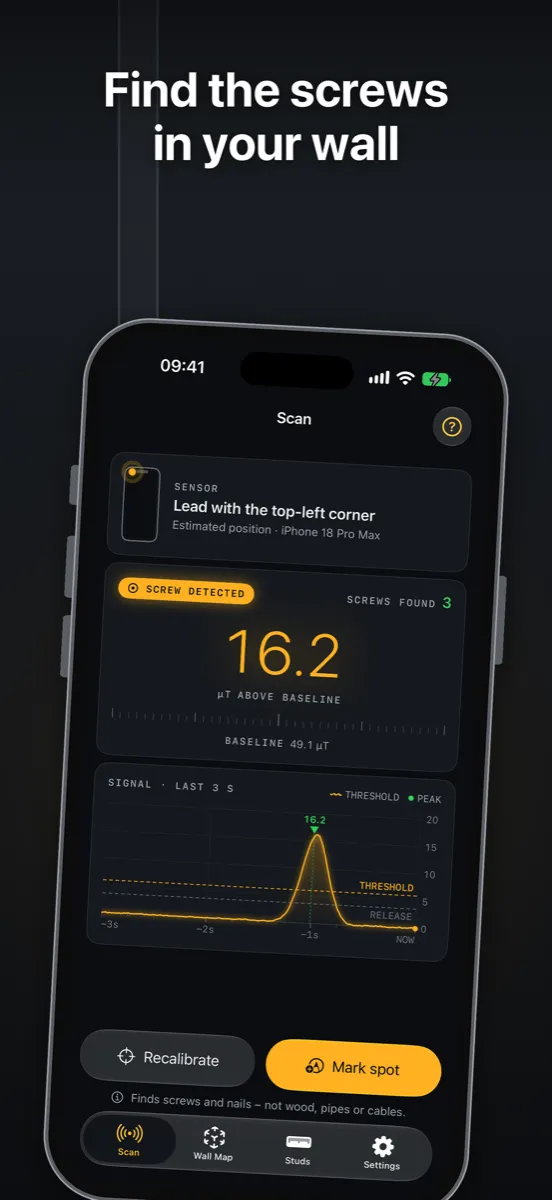
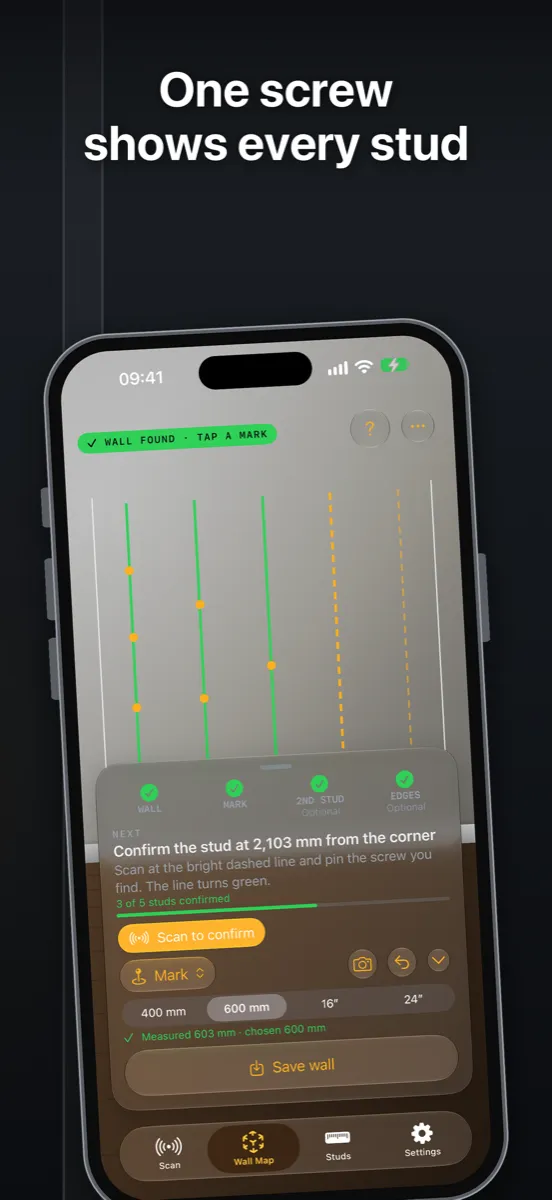
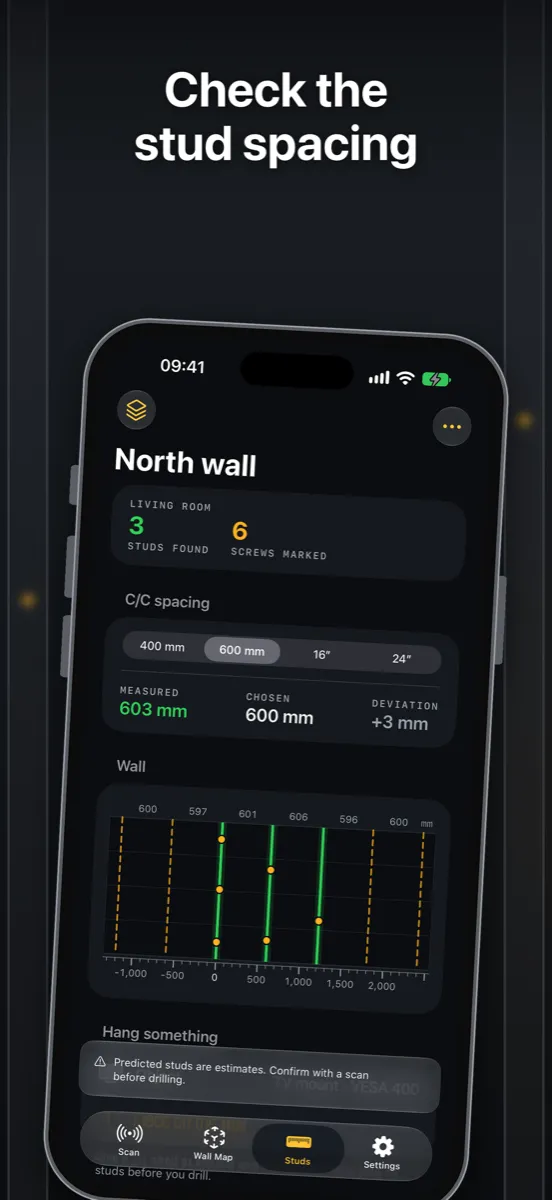
The scanner (free)
- Finds the screws and nails that hold drywall to the studs
- Haptics and an optional tone that rise as you get closer
- Live signal graph, so you can see the peak
- Shows where the sensor sits on your iPhone model
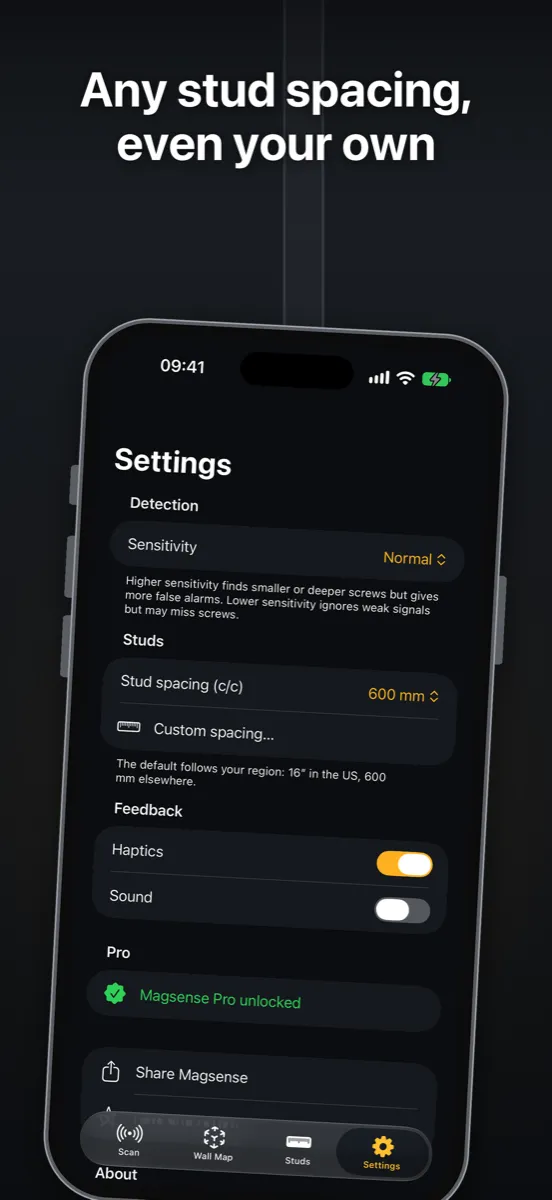
- Low, normal and high sensitivity
- Mark the spot with a pencil before you move on
Pro: one purchase, no subscription
- AR wall map: pin one or two pencil marks with the camera and see every stud on the wall
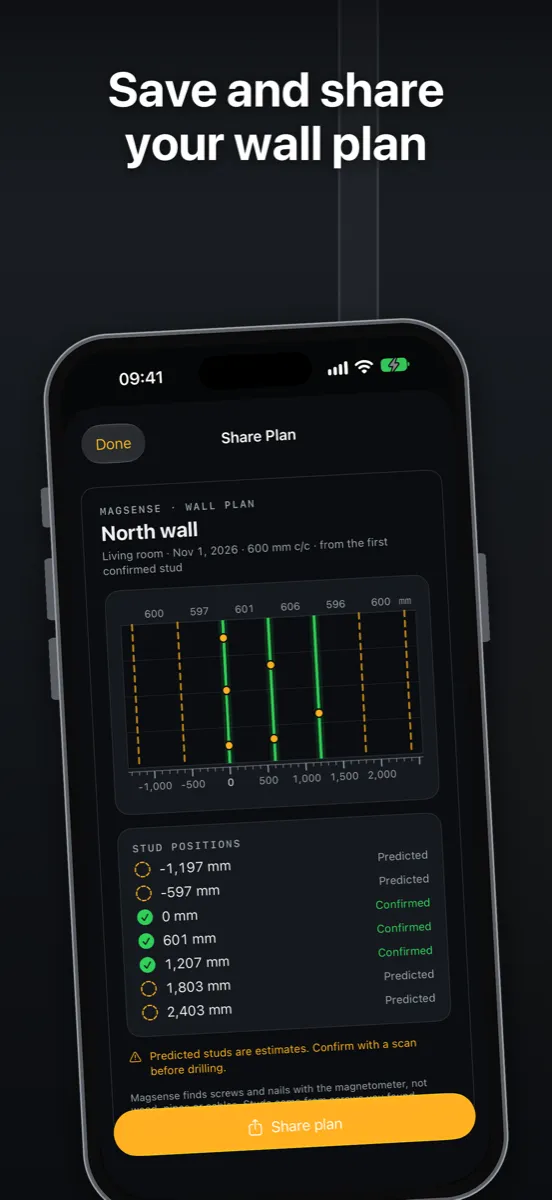
- Stud prediction: a 16" or 24" (400 or 600 mm) on-center grid calculated from your screws, or measured from two studs
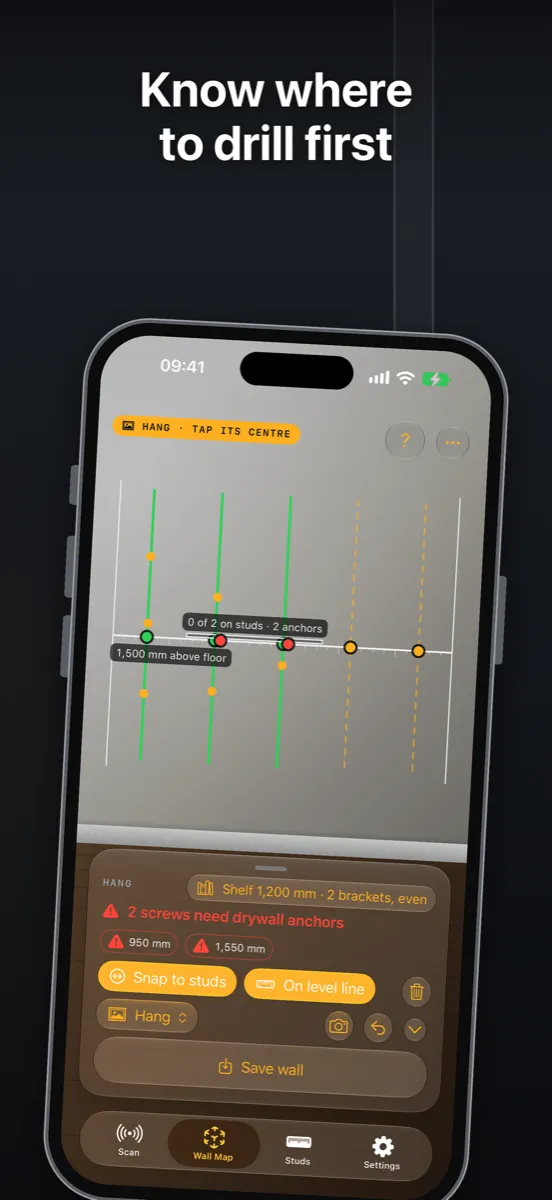
- Hang planner: place a TV, shelf or cabinet and see which screws land on studs
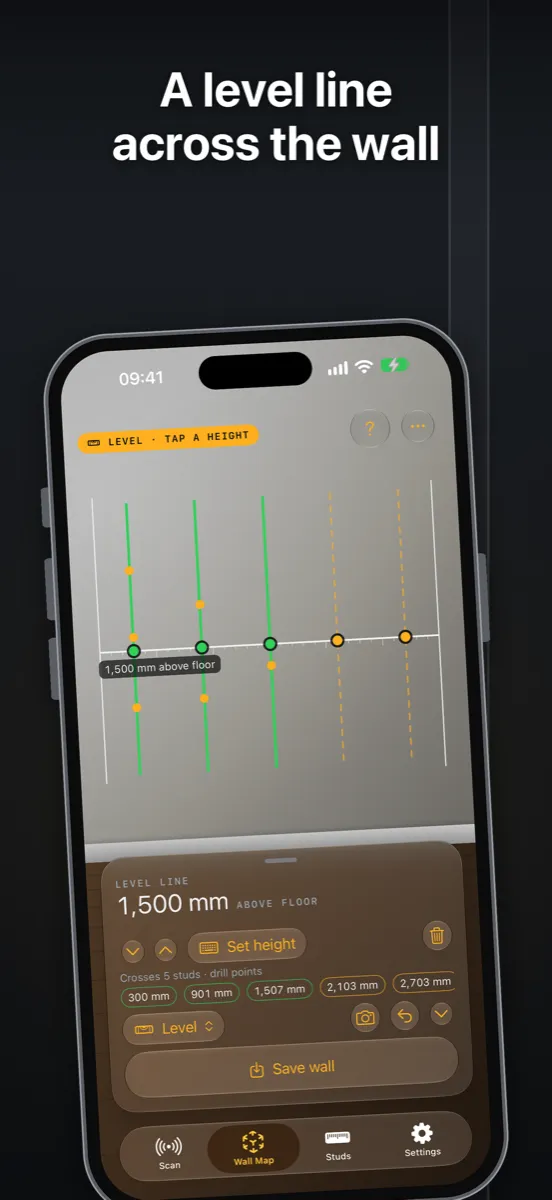
- Level line: a true horizontal line across the wall, with its height above the floor
- Save your walls, take a photo with the overlay and share the plan
Good to know
- Magsense detects iron and steel, not wood. It finds studs through the screws and nails in them, so it works best on drywall over wood or metal studs.
- Remove magnetic cases, wallets and MagSafe accessories while scanning.
- Pipes and cables with steel in them can also give a signal. Always check before you drill.
No account, no ads and no tracking. Read the privacy policy or get help with Magsense.
Download
Download Magsense on the App Store
Requires an iPhone with iOS 18 or later.
Magsense - Find the studs before you drill.